











Managing your funds carefully is an important part of online gaming. Knowing which payment options appear in your account, how to make a deposit, and what a withdrawal review involves helps you avoid preventable errors. This guide explains the available transaction categories, account checks, and practical steps for using the cashier.
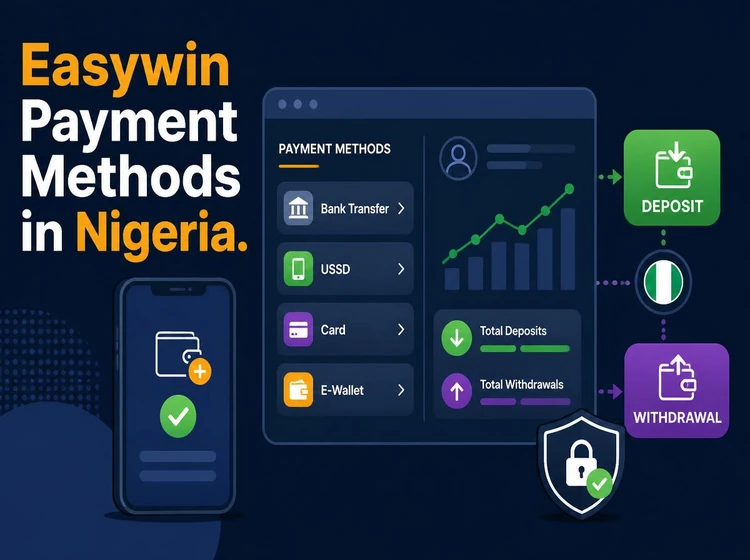
Use payment details registered in your own name. A third-party account can trigger an ownership check, delay a transaction, or prevent a withdrawal from being completed. Before sending money, check the selected method, displayed limits, account number, and confirmation screen.
Overview of Easywin Payment Methods
Payment channels generally fall into three categories: bank transfers, mobile financial services, and digital payment processors. The exact methods shown to you depend on the cashier, your location, the currency supported, and any current arrangements with payment providers.
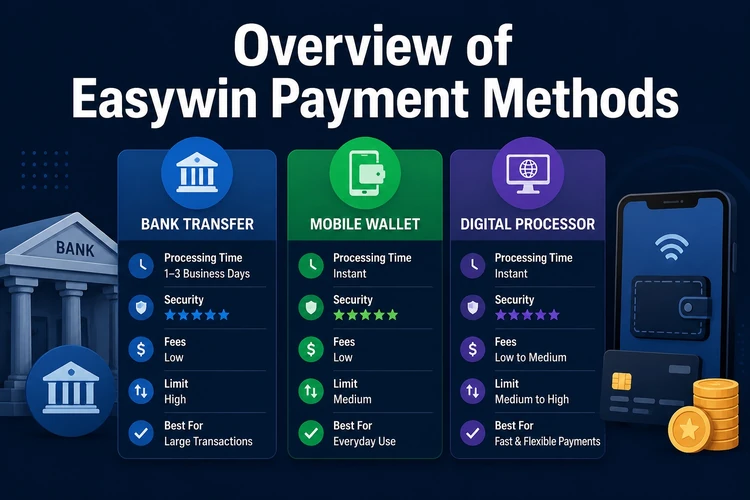
Deposits credit the playing balance, while withdrawals move available funds to an approved receiving account. A deposit may need provider confirmation; a withdrawal can also require identity, ownership, and fraud-prevention checks. Review the cashier rather than relying on an old list of methods.
| Payment category | Typical purpose | What to check |
|---|---|---|
| Bank transfer | Deposits or withdrawals where supported | Account name and bank details |
| Mobile financial service | Funding or receiving funds where available | Wallet ownership and transaction status |
| Digital processor | Deposits through a supported provider | Provider confirmation and limits |
Making a Deposit
After you log in to your account, open the cashier or deposit area and select one of the methods currently displayed. Enter the amount, provide the requested details, and follow the instructions from your bank or payment provider. Confirm that the recipient and amount are correct before authorising the transaction.
Save the reference number, receipt, or confirmation screen. If the balance does not update, check whether the money left your bank or wallet before attempting another deposit. Repeating a transaction can create duplicate charges, so use the original reference when asking for help.
- Step 1: Open the cashier after signing in
- Step 2: Select an available deposit method
- Step 3: Enter the amount and requested account details
- Step 4: Confirm the payment with your bank or provider
- Step 5: Check the wallet and retain the transaction reference
Requesting a Withdrawal
A withdrawal request normally starts in the cashier after you have completed any required account verification. Select the receiving method, enter an amount within the displayed limits, and confirm that the account belongs to you. The platform may review the request before sending funds.
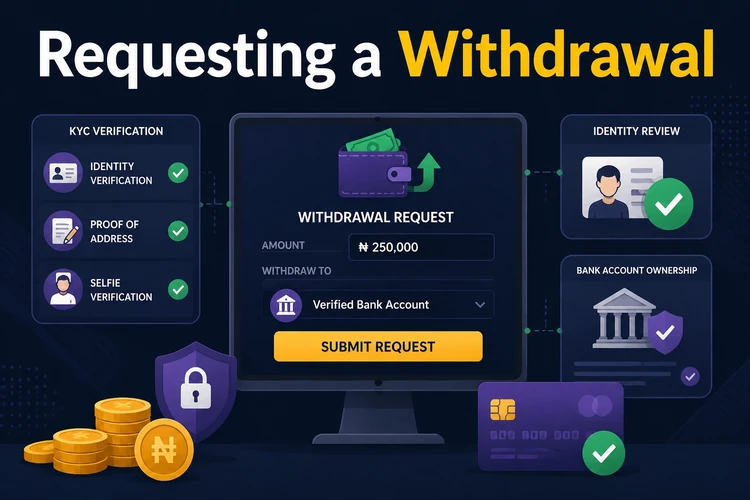
Verification can include a government-issued identity document, proof of address, or evidence that the payment account is yours. Requirements can vary, and a further review may be requested if personal details change or a transaction needs clarification. Do not send documents through unofficial contacts.
Understanding Minimum Withdrawal Limits
A minimum withdrawal is the smallest amount accepted for a particular method. It is shown in the cashier and may differ between bank accounts, mobile services, and other providers. Do not assume that a limit displayed for one method applies to another.
If your available balance is below the displayed threshold, you may need to wait before submitting a request or choose another supported method. Check the total amount, any displayed fee, and the receiving details on the final confirmation screen. No limit should be inferred from an old payment receipt.
Local Payment Options
Bank transfers can suit Nigerian users who prefer to work through an established banking account. Before confirming, compare the account name and number shown in the cashier with your own records. A transfer marked complete by your bank may still require provider confirmation before the balance changes.
Mobile financial services can be convenient for users who manage money mainly through a phone. Availability, transaction limits, and confirmation steps depend on the provider and the options currently enabled for your account. Use only the official app or banking channel to approve a payment.
| Before paying | Practical check |
|---|---|
| Bank transfer | Confirm bank name, account number, and beneficiary name |
| Mobile service | Check wallet number, balance, and approval prompt |
| Any method | Keep the reference and avoid duplicate submissions |
Digital Payment Platforms
Processors such as Flutterwave or Paystack may appear as payment options where the platform and provider support the transaction. PalmPay and OPay may also be shown where supported. Their presence, limits, and available functions should be confirmed in the cashier at the time of payment.
A provider can decline a transaction for reasons outside the gaming account, including an incorrect wallet number, a provider-side restriction, or a failed authentication step. If a processor is not listed, do not send money to an unrelated account or substitute an unofficial payment route.
Your Easywin Wallet
The internal wallet is the balance area used to display deposits, bets, winnings, and requested withdrawals. Check the available balance separately from any pending amount, because funds under review may not be available for a new withdrawal.
Review the transaction history after each important payment. The date, amount, status, and reference can help you distinguish a completed deposit from a pending or reversed transaction. Report an unfamiliar entry promptly and change your password if you suspect unauthorised access.
Handling Cash Withdrawals Safely
Once a withdrawal is approved, funds are directed to the receiving method selected in the request. The account holder's name should match the gaming profile. Do not use a friend’s bank account or wallet, even if you have permission, because ownership checks may stop the transfer.
Before making a larger request, confirm that your profile information and verification documents are current. Keep a personal record of the requested amount and reference number, and never pay an individual who claims they can release funds outside the normal cashier process.
Transaction Security
When a secure connection is active, HTTPS and SSL encryption help protect information while it travels between your device and a website. Payment providers may apply their own authentication and security controls. Use the official site address, keep your browser updated, and avoid entering payment details on shared or public devices.
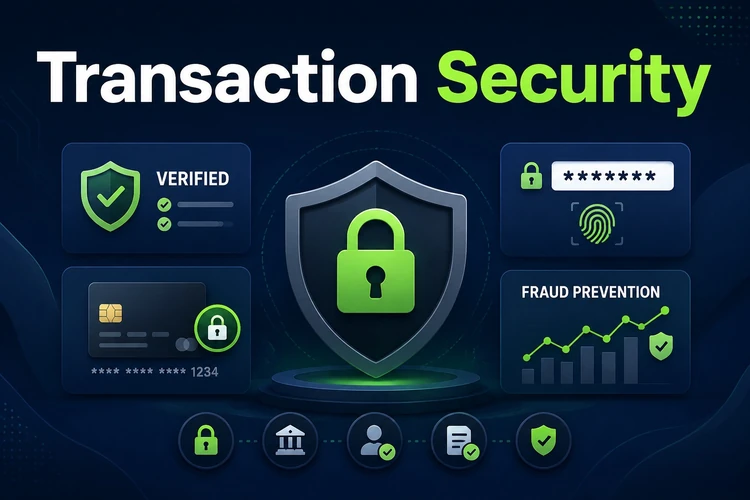
Never share a password, one-time code, or identity document with someone who contacts you unexpectedly. Support should not require a password or ask you to transfer money to a personal account.
- Use a strong password that is not reused on other services
- Enable two-factor authentication if the account provides it
- Check payment notifications against the transaction history
- Log out on shared devices and protect your phone with a lock
Common Payment Problems
A declined deposit may be caused by insufficient funds, wrong details, a provider restriction, or a failed confirmation step. Check the error message and bank statement first. If money was debited, do not repeat the payment; keep the reference and contact support through the official channel.
A pending withdrawal can reflect an incomplete verification review or a mismatch in the receiving details. Check the account inbox for a document request and make sure submitted copies are readable. If the issue continues, contact support with the reference number rather than opening several duplicate requests.
| Problem | First action | Avoid |
|---|---|---|
| Deposit declined | Check funds, details, and provider message | Repeating a debited payment |
| Withdrawal pending | Review verification requests and status | Using another person's account |
| Name mismatch | Confirm ownership and request correction | Sending documents to an unofficial contact |
For responsible payments, set a personal spending limit and do not use essential household money. If gambling stops feeling manageable, review the available responsible gambling guidance and take a break.
Frequently Asked Questions
The cashier may show bank transfers, mobile financial services, and digital payment processors where supported. The active list, limits, and instructions should be checked after you sign in because availability can change by account and provider.
Open the cashier or deposit area, choose an available method, enter the amount, and follow the confirmation steps from your bank or payment provider. Keep the reference number and check your balance before trying the payment again.
Open the withdrawal area, select a supported receiving method, enter an amount within the displayed limits, and submit the request. The platform may complete identity and ownership checks before sending funds to an account in your name.
The minimum is shown in the cashier for the selected method. It can differ between providers and may change, so check the current value before confirming a withdrawal rather than relying on a previous transaction.
A pending status can mean that security or identity checks are still being completed, or that more information is needed. Review your account messages, confirm the receiving details, and contact support with the transaction reference if clarification is required.
Account verification may be required before a first withdrawal or when a transaction needs additional review. The platform may request identity or address documents and confirmation that the receiving payment account belongs to you.