











Easywin provides a secure platform for users in Nigeria to access betting and gaming services. To place bets, check results, manage your balance, or request withdrawals, you need to log in to your account. This page explains how to access your account, create a new one, recover a forgotten password, and resolve common login issues.
Your account gives you control over your betting activity. After logging in, you can view available markets, track transaction history, check open tickets, and adjust account settings. Using the official entry point helps protect your credentials and reduces the risk of entering details on a fake page.
Easywin Login Page
The Easywin login page is the gateway to your account. It usually requires two pieces of information: your username or registered phone number, and your password. The layout is simple on desktop and mobile, with clear input fields and a login button.
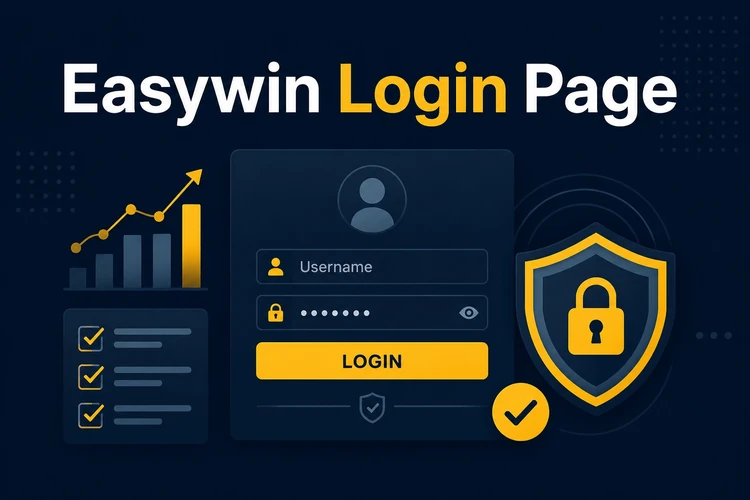
You can reach the page by visiting the official site and selecting the login option from the header. Each time you log in, the system checks your details before granting access. If the information does not match, an error message appears and you can try again or use the password reset option.
Login to Your Easywin Account
Logging in takes a few moments if you have your details ready. Follow these steps to access your account:
- Step 1: Open your browser and navigate to the official site.
- Step 2: Click the login button in the top menu.
- Step 3: Enter your username or registered phone number in the first field.
- Step 4: Enter your password in the second field.
- Step 5: Double-check both fields for typos or extra spaces.
- Step 6: Click the login button to submit your details.
- Step 7: Wait for the system to verify your credentials and load your dashboard.
Once logged in, you land on your account dashboard. From there, you can place bets, view active tickets, check your balance, or manage payment methods. If you plan to use a shared device, remember to log out when you finish.
Easywin Registration
New users must register before they can log in. Registration is for adults aged 18+ who reside in Nigeria. The form normally asks for basic details such as your name, phone number, and a password you create. You may also need to confirm your phone number through a verification code sent by SMS.
To register, visit the homepage and select the sign-up option. Fill in the required fields, review the terms, and submit the form. The system creates your account, and you can log in using the details you just set. After your first login, you may want to check available bonus information before adding funds.
Easywin Login via Mobile App
The mobile app offers a convenient way to log in on your smartphone. Install it from the official site, open it, and use the same username and password you use on the desktop version. Depending on your device settings, the app may keep you signed in until you log out or clear the app data.
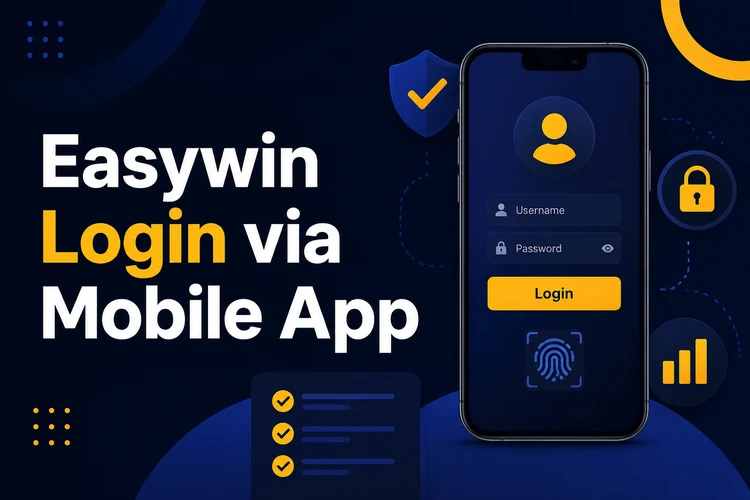
For safe mobile access, keep your phone locked with a PIN, fingerprint, or face unlock. Avoid saving your password on a device other people use. If you prefer not to install an app, the mobile version of the site works in a browser and provides a similar login experience. You can read more about mobile access options on the app page.
Easywin Login Password
Your password is the main barrier between your account and unauthorised users. A strong password combines uppercase and lowercase letters, numbers, and symbols. Avoid simple patterns such as 123456 or personal information such as your birthdate, nickname, or phone number. The longer and less predictable your password is, the harder it is to guess.
Store your password in a secure location. A password manager is a good option because it can create and save strong combinations. If you write it down, keep the note away from your phone or laptop. Never share your password with anyone, even if they claim to work for Easywin. Support staff should not ask for it.
Password Reset
If you forget your password, use the recovery option on the login page. Select the Forgot password? link and enter your registered phone number or email address. The system sends a verification code to that contact method. Enter the code on the next screen, then create a new password.
After resetting your password, return to the login page and use your new credentials. If you do not receive the verification code, check your spam folder, wait a few minutes, and confirm that the contact details are correct. You can also use the contact page if the automated process does not work.
Common Login Issues
Several issues can prevent you from logging in. The most common is an incorrect password. Double-check your spelling, especially if you have recently changed your password. Another frequent problem is using the wrong username or phone number. Make sure the details match the ones you provided during registration.
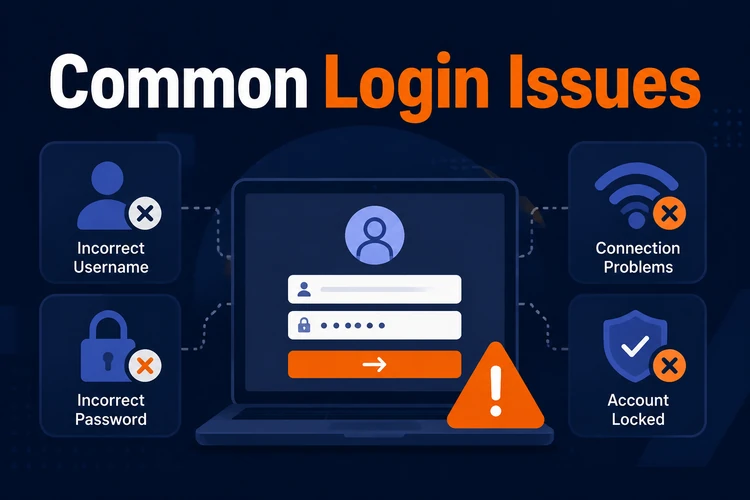
Browser problems can also interfere with login. Clear your cache and cookies, then try again. If your browser is outdated, update it to the latest version. An unstable internet connection may cause the request to time out, so switch to a stronger network if needed. If the app does not allow login, check whether an update is available.
Account Security
Protecting your account starts with a strong password and careful habits. Change your password from time to time, especially if you suspect someone else may have seen it. Avoid logging in on public or shared devices whenever possible. If you must use a shared computer, always log out when you finish and close the browser.
Check the URL before entering your credentials. Phishing sites can imitate a login page to steal account details. The official domain is easy-win-ng.com. If a page looks unusual, asks for unnecessary information, or comes from another domain, leave it and access the site again from a trusted source.
Quick Login Checklist
Before you attempt to log in, confirm the following:
- You have a stable internet connection.
- You are on the official login page.
- You know your username or registered phone number.
- You have your password ready.
- Your browser or app is up to date.
- You are using a secure device.
This checklist helps you avoid common mistakes and speeds up the login process. If everything is in place and you still cannot log in, wait a few minutes and try again before contacting support.
FAQ
Visit the official site, click the login button, and enter your username or registered phone number with your password. Check both fields before submitting. If the details are correct, your dashboard should open after verification.
The login page is available from the main menu on the homepage. Use the official domain and avoid pages sent through unknown messages or social media links. Checking the address before entering your details helps protect your account.
Yes, new users can register online if they are adults aged 18+ and meet the account requirements. Complete the sign-up form, verify your phone number if asked, and create a password. After registration, you can use those details to log in.
Use the password recovery option on the login page. Enter your registered phone number or email address, receive the verification code, and follow the prompts to set a new password. Then return to the login page and sign in again.
Yes, the app supports account login with the same username or phone number and password used on the website. Keep the app updated, lock your phone, and avoid staying signed in on a device that other people can access.
Common reasons include an incorrect password, wrong phone number, browser cache problems, an unstable connection, or an outdated app. Recheck your details, refresh your browser, update the app if needed, and try again on a secure network.